

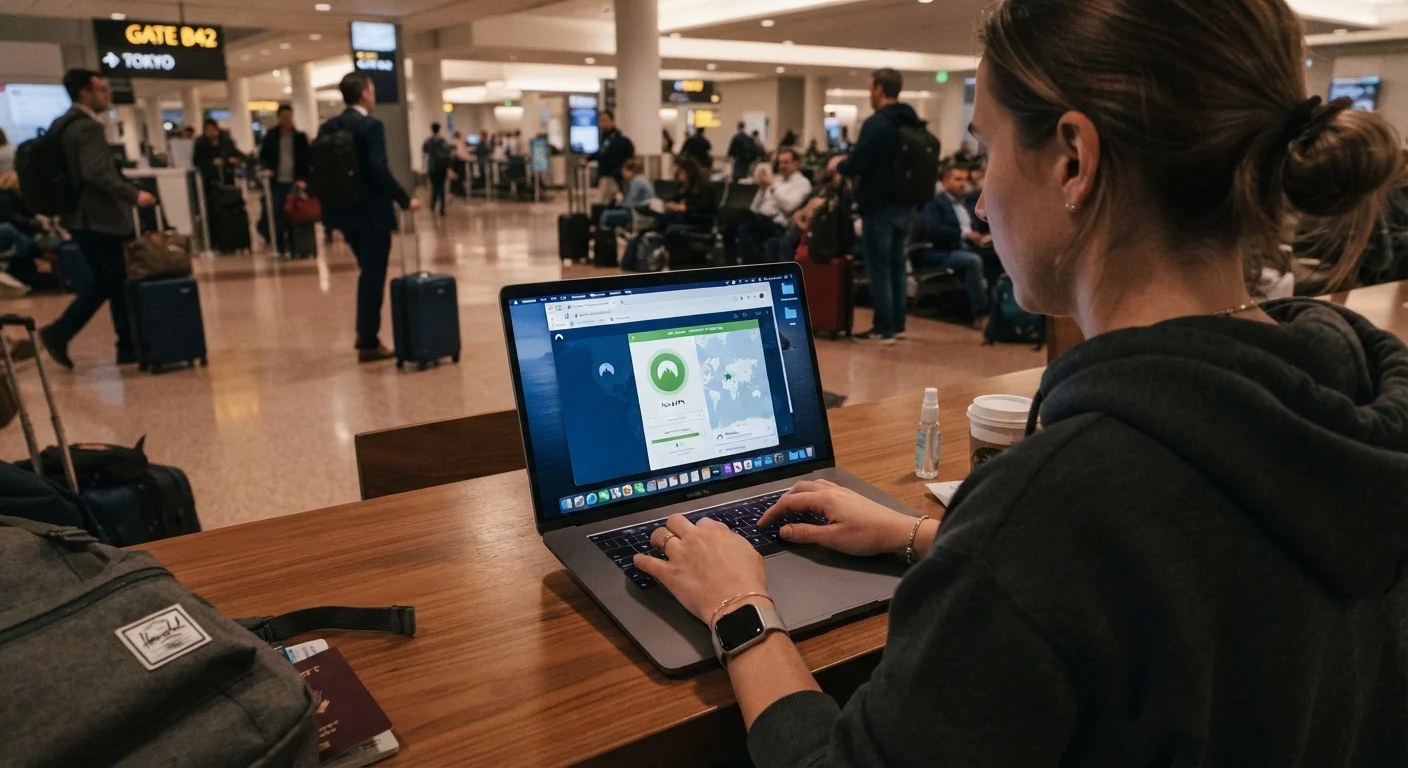
Why Digital Security Deserves the Same Attention as Physical Safety
Most travelers lock their hotel room door and watch their bags in crowded spaces. Far fewer apply the same discipline to their devices and online accounts - yet the consequences of a digital breach can follow you home long after a trip ends. A compromised email account, stolen banking credentials, or leaked work data can mean financial loss and months of recovery.
The threat environment on the road is meaningfully different from home. You connect to unfamiliar networks, hand your passport to strangers, charge your phone on public USB ports, and sometimes cross borders where authorities have legal power to inspect your device. Understanding where those risks concentrate allows you to prepare proportionally rather than treating every Wi-Fi hotspot as a crisis.
This guide is structured around preparation before departure and smart habits during travel. The pre-trip safety audit covers this alongside documents and health prep - digital security belongs in the same checklist.
What you will need
For a look at protecting your money specifically - ATM skimming, card fraud, and currency traps - see keeping your finances safe while traveling.
Border Device Searches Are Legally Distinct
U.S. Customs and Border Protection agents have broad authority to search electronic devices at ports of entry without a warrant. This applies to U.S. citizens and visitors alike. If you carry sensitive professional or personal data, consult an attorney and consider entering with a clean travel device. Laws vary significantly at other countries' borders - verify rules with official government sources before traveling.
Tools You'll Want in Place Before You Leave
VPN (Virtual Private Network) Application
Encrypts your internet traffic on public networks, masking your activity from other users on the same network.
Authenticator App (TOTP-based)
Generates time-based one-time codes for two-factor authentication, reducing reliance on SMS which is vulnerable to SIM swapping.
Password Manager
Stores and generates strong, unique passwords for every account so you don't reuse credentials that could be compromised.
Travel Router (optional)
Creates a personal encrypted Wi-Fi network from a hotel ethernet or public connection, adding a layer between your devices and the host network.
USB Data Blocker
Plugs into public USB charging ports and blocks data pins, preventing "juice jacking" attacks while still allowing your device to charge.
None of these require deep technical knowledge to use effectively. A password manager and authenticator app take under an hour to set up and immediately reduce your exposure to the most common credential-based attacks travelers face.
Consider a Minimal Travel Device
Seasoned travelers often carry a secondary phone or laptop with only the apps and accounts needed for the trip. This limits what can be accessed if a device is lost, stolen, or searched. If a dedicated travel device is not practical, at minimum, log out of work accounts and apps you will not need on the road before departing.
Step-by-Step: Securing Your Devices and Accounts
Free Public Wi-Fi Is Not Inherently Safe
Hotel, café, and airport networks frequently lack proper encryption and are a known vector for man-in-the-middle attacks, where a third party intercepts traffic between your device and the network. Avoid logging into financial accounts or accessing sensitive work systems on public Wi-Fi without a VPN active. When in doubt, use your phone's cellular data connection instead.
Enable Full-Disk Encryption on All Devices
Before you leave home, confirm that every device you're taking is fully encrypted. On iPhones and modern Android phones, encryption is typically enabled by default when you set a passcode. On Windows, enable BitLocker (Pro/Enterprise) or Device Encryption in Settings. On Macs, enable FileVault via System Settings > Privacy & Security. Encryption means that if a device is physically taken, the data on it is unreadable without your credentials.
Back Up Everything Before You Depart
Run a complete backup of your phone and laptop to a secure location - encrypted cloud storage or an external drive left at home. If your device is lost, seized, or damaged, you should be able to restore your data fully. Don't skip this step; it's the cheapest insurance you have against device loss.
Switch Two-Factor Authentication Away from SMS
SMS-based two-factor authentication is vulnerable to SIM swapping, where an attacker convinces your carrier to transfer your number to a SIM they control. Before your trip, move your critical accounts - email, banking, work - to an authenticator app that generates time-based codes locally on your device. Store backup codes in an encrypted password manager, not in an unprotected note or email.
Install and Configure Your VPN Before Traveling
Research and install a VPN application before you depart. Some countries restrict or block VPN usage - verify the legal status of VPNs at your destination through official or credible legal sources before you arrive. Configure the VPN to connect automatically on untrusted networks. Test that it works correctly on your home connection before relying on it abroad.
Audit App Permissions and Minimize Installed Apps
Before departure, review which apps have access to your location, contacts, camera, and microphone. Revoke permissions that aren't necessary for travel use. Remove apps that hold sensitive data you won't need on the road. Fewer apps means a smaller attack surface and less data exposed if your device is compromised or searched.
Use Secure, Encrypted Communication Channels
Standard SMS messages and many email providers do not encrypt message content end-to-end. For sensitive communication while traveling - with family, colleagues, or regarding financial matters - use an end-to-end encrypted messaging platform. Make sure the people you need to communicate with have it set up before you leave.
Prepare for Border Crossings with Device Hygiene
If you are crossing into a country where device searches are a realistic concern, consider logging out of sensitive accounts and removing apps that contain privileged data before arriving at the border. You can reinstall and log back in after clearing customs. If your work involves legally privileged or confidential data, consult with your employer's legal or IT security team about border crossing protocols before your trip.
Staying Vigilant While You Travel
Device security is not a one-time configuration - it requires consistent habits on the road. Keep your device's operating system and apps updated, as security patches close known vulnerabilities. Be skeptical of Wi-Fi networks with generic or misspelled names in public areas; fake hotspots mimicking legitimate ones are a documented attack method.
If your phone is lost or stolen, know in advance how to remotely wipe it. Both major mobile platforms offer this capability through their account management portals - test that it works and confirm your account credentials before you travel.
For travelers who are new to international journeys, Travel Safety 101 offers a grounding in broader safety concepts that pair well with the digital precautions above. Digital hygiene is one piece of a larger safety picture - and the travelers who handle it well tend to worry less and enjoy more.
This article provides general information about digital security practices. It does not constitute legal or professional cybersecurity advice. For guidance specific to your work, jurisdiction, or legal situation, consult a qualified attorney or cybersecurity professional.
The content provided on our blog site traverses numerous categories, offering readers valuable and practical information. Readers can use the editorial team’s research and data to gain more insights into their topics of interest. However, they are requested not to treat the articles as conclusive. The website team cannot be held responsible for differences in data or inaccuracies found across other platforms. Please also note that the site might also miss out on various schemes and offers available that the readers may find more beneficial than the ones we cover.